31 Seconds. Zero GPU Setup. One Completed AI Job.
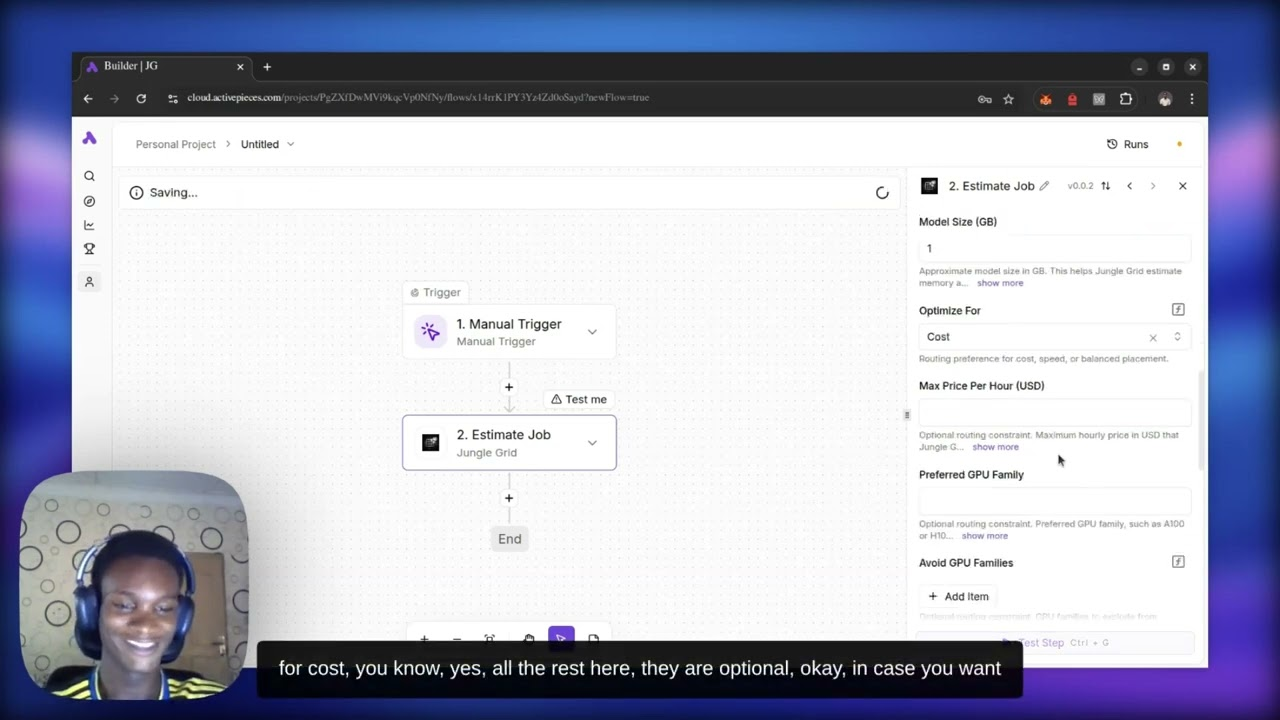
See a real AI workload run from an Activepieces workflow through Jungle Grid Ready Paths — from trigger to completed result in 31 seconds, without manually provisioning or selecting GPUs.
Architecture
Send an AI workload from your app, agent, API, or CLI. Jungle Grid finds suitable capacity, runs the job, and gives you status, logs, outputs, and artifacts through one consistent workflow.
Workload path
Start by describing the work you want to run. Jungle Grid accepts the job, finds suitable capacity, and manages the execution without exposing provider-specific infrastructure to your application.
The job moves through a clear lifecycle from queued to running to completed or failed. You can follow that lifecycle, inspect logs, and collect generated files or other output through the API, MCP tools, CLI, or portal.
See it run
The Claude demo shows an agent turning a natural-language request into a real GPU-backed job without choosing infrastructure first.
The CLI demo shows the same workflow from the terminal: describe the workload, submit it, and let Jungle Grid handle where it runs.
See a real AI workload run from an Activepieces workflow through Jungle Grid Ready Paths — from trigger to completed result in 31 seconds, without manually provisioning or selecting GPUs.
A Claude-driven workflow where a natural-language workload request becomes a real GPU-backed execution path through Jungle Grid.
A straight operator flow in the terminal: describe the workload, submit by intent, and let Jungle Grid place the run on compatible GPU capacity.
What Jungle Grid handles
Your integration stays focused on the job. Jungle Grid handles placement, execution, lifecycle tracking, and supported recovery behavior behind a consistent interface, even when the available infrastructure changes.
Why this matters
Connecting directly to GPU providers can push provisioning, routing, status handling, and recovery logic into your application. Jungle Grid keeps those infrastructure concerns behind one execution interface so your team can focus on the work and its result.
What to do next
Estimate the cost of your workload, check model requirements, or compare Jungle Grid with another platform. When you are ready to build, the docs show how to submit and track your first job.
FAQ
You submit an AI workload from your app, agent, API, or CLI. Jungle Grid finds suitable capacity and runs the job. You can then track its status, read logs, and retrieve outputs or artifacts through the same workflow.
Your application can use one job workflow without taking on provider selection, GPU provisioning, or separate infrastructure integrations for every run.
If you want implementation detail, go to the docs. If you want to compare options, visit the comparison pages. If you want to estimate spend, go to pricing.